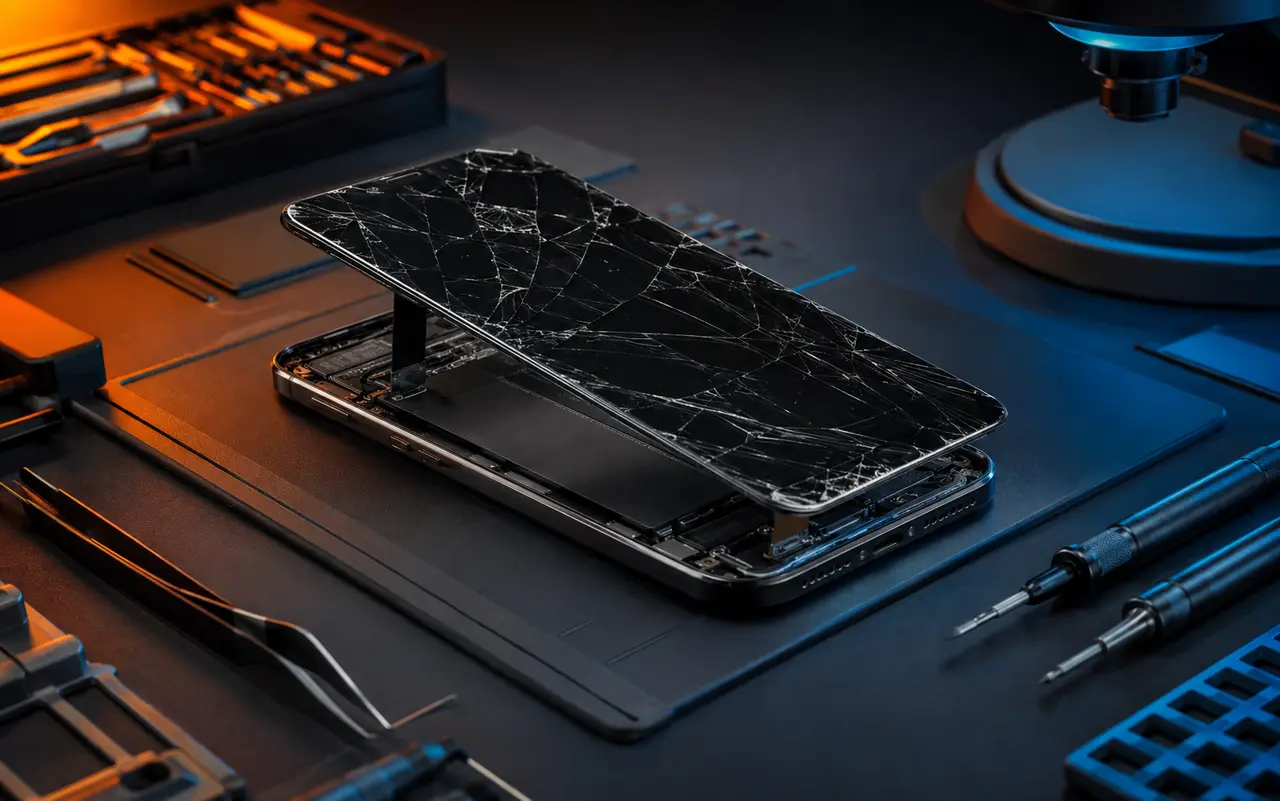
Common Tablet Problems
- Cracked glass or damaged displays
- Touchscreens that respond inconsistently
- Batteries that no longer hold a useful charge
- Loose or unreliable charging connections
- Devices that freeze, restart, or will not turn on
- Camera, speaker, or microphone concerns
- Liquid exposure
Tell us whether the image is visible, whether touch still works, and how the damage occurred.
Repair Options for School & Everyday Use
Before replacing your tablet, compare the repair cost with its age, condition, storage, and performance.
Confirm Your Tablet Model Before Visiting
Find the model number in settings or on the casing. Confirm service availability, parts, timing, and warranty coverage.
Repair Warranty & Parts Information
Understand your repair coverage before you approve the work. Ask our team to explain the warranty that applies to your device, repair, and replacement parts.
Coverage and duration can vary by service and part. Confirm what is covered, any exclusions, and how to request help if a problem occurs after repair. Ask whether accidental damage, liquid exposure, or unrelated device faults are excluded.
We will explain the available repair and parts options so you can make an informed decision.