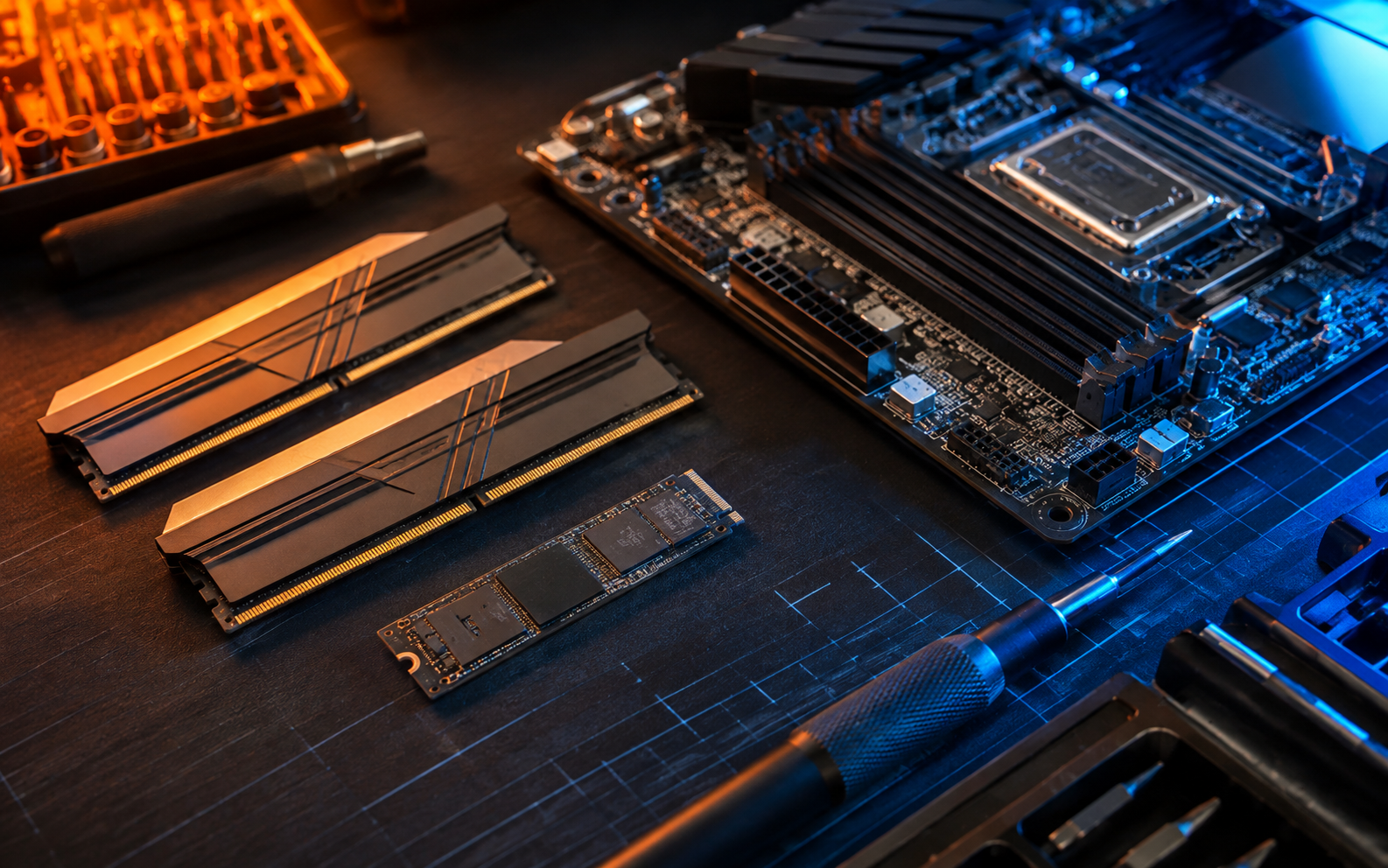
Short answer: an SSD usually improves startup and file-loading speed, while more RAM helps when the computer slows down with many applications or browser tabs open.
Choose an SSD when
The computer uses an older mechanical drive, takes a long time to start, opens programs slowly or frequently waits while loading files.
Choose more RAM when
Performance drops during multitasking, video calls, design work, gaming or heavy browser use—even though storage speed is acceptable.
Compatibility comes first
Not every device supports the same drive format, memory type or maximum capacity. YeaWeFixThat checks the exact model and current bottleneck before recommending parts.