Quick answer: An iPhone that will not charge does not automatically need a new battery. Start with a known-working, compatible cable, power adapter and outlet. Check for a liquid alert or charging-limit message. If the problem continues, get a diagnosis before choosing a repair.
What should you check first when your iPhone will not charge?
- Check the accessories. Stop using frayed cables or damaged adapters. Try a different compatible cable, adapter and wall outlet.
- Restart the phone. If it is dry and undamaged, allow 30 minutes of charging. Follow Apple's model-specific force-restart instructions if it still will not turn on.
- Look at the connector. Note whether the plug fits normally or the port looks obstructed. Do not force the cable into place; ask for help if inspection or cleaning is needed.
- Read the screen. A charging pause can reflect temperature, Optimized Battery Charging or a configured charge limit, rather than a failed part.
See Apple's charging troubleshooting guide for model-specific steps.
What if the phone shows a liquid-detection warning?
Unplug the cable and allow the phone and cable to dry before reconnecting. Leave the phone somewhere dry with airflow. Do not use rice, external heat or compressed air, and do not insert objects into the connector. Drying can take up to 24 hours. If alerts persist, arrange service.
Read Apple's liquid-alert guidance and our wet-phone first-steps guide. Tell the repair team about any spill or water exposure, even if the phone worked afterward.
Does it need a charging-port repair or a battery replacement?
The symptom alone cannot tell you which part needs attention. Describe exactly what happens: no charging symbol, intermittent charging, a loose connection, or a phone that charges but quickly runs down. These observations help frame the inspection; they are not a diagnosis.
Before approving work, ask what was tested, what the proposed repair addresses, and whether additional problems were found. A clear estimate should help you compare the repair with the value of keeping the phone. Our repair-or-replace guide explains what else to consider.
When should you book an iPhone repair in Davie?
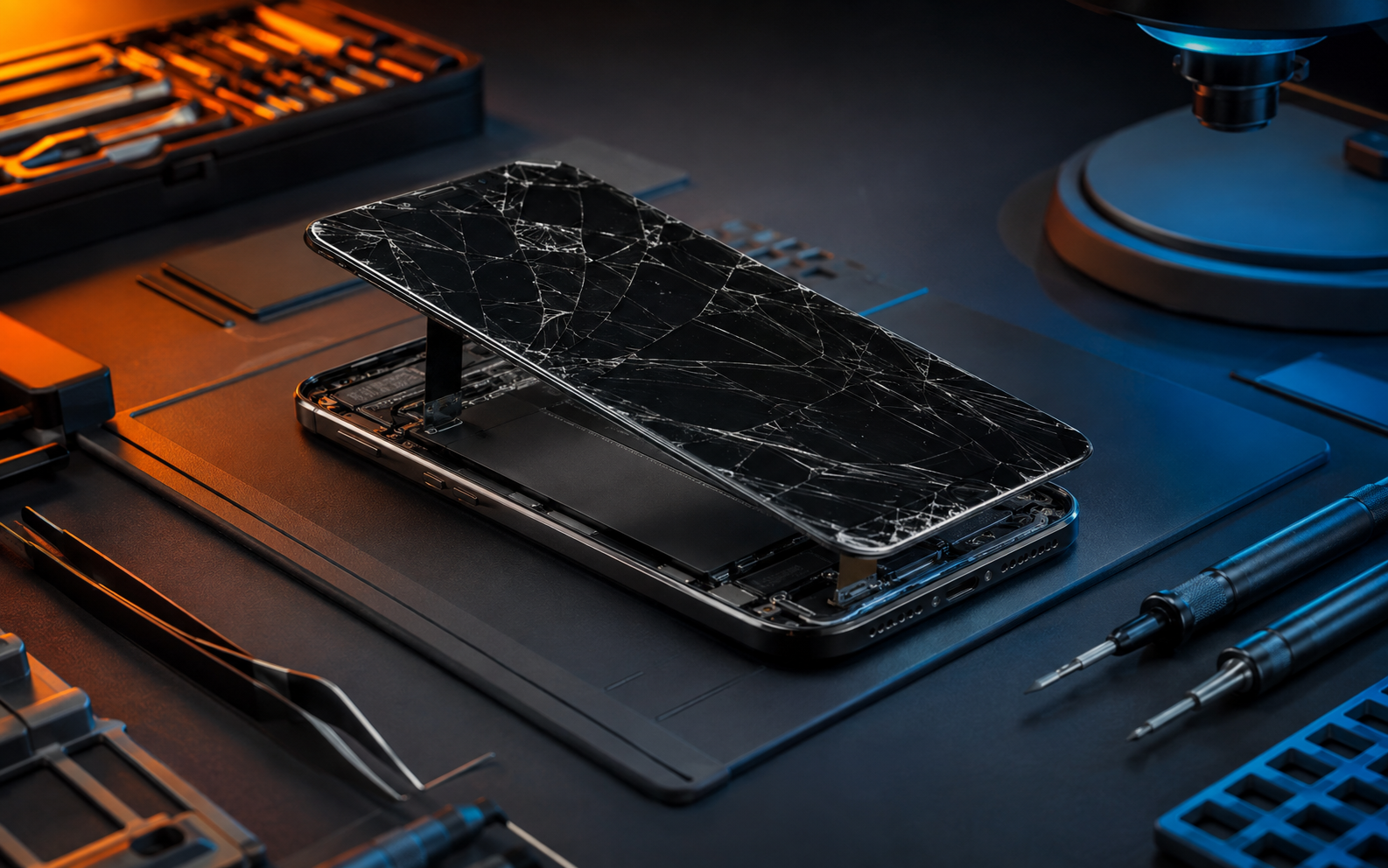
If basic checks do not resolve the problem, or the connector is visibly damaged, contact the repair team. Avoid repeatedly bending or holding a cable at an angle to keep charging. If you suspect battery damage or notice the screen lifting, stop charging and request professional guidance.
YeaWeFixThat offers iPhone repair in Davie and cellphone repair services. Call (954) 951-0171 with your model and symptoms before your visit. The Davie shop is at 8450 W State Road 84, Davie, FL 33324, convenient for customers in Davie and nearby Plantation, Weston and Cooper City.
What should you bring or tell the repair team?
- Your iPhone model and when the problem started.
- The cable and adapter involved, if safe to bring.
- Any recent drop, spill, warning message or previous repair.
- Which troubleshooting steps you already tried.
If the phone is usable, back up important information before service. Ask about data precautions, the estimate and expected turnaround before authorizing work. Price and timing depend on the model, diagnosis and parts availability.
Frequently asked questions
Does an iPhone that will not charge always need a new battery?
No. Accessories, the connector and charging settings should be checked before assuming the battery needs replacement. Request a diagnosis before buying parts.
Can I get a repair price over the phone?
Call with your model and symptoms to discuss an estimate. The cause must be confirmed before the appropriate repair and final price can be established.
Should I bring my charging cable?
Tell the team which cable and adapter you use and ask whether to bring them. Comparing the phone and accessories can help explain an intermittent problem.
Where can I get help if I am near Deltona?
Use the Deltona location page for local contact details. Deltona service is by appointment only; arrange your visit before traveling.